Every document deserves to be a book.
FlipingBook turns your PDFs, Word and Excel files and photos into a real, animated book.
Requires macOS 14 Sonoma or later ·
Windows and Ubuntu coming soon
Read anything
Drop a file. Get a book.
Open a PDF, a Word document, an Excel spreadsheet or a whole set of photos. FlipingBook puts them together into one beautiful book in seconds, keeps it in your library and opens it right where you left off.


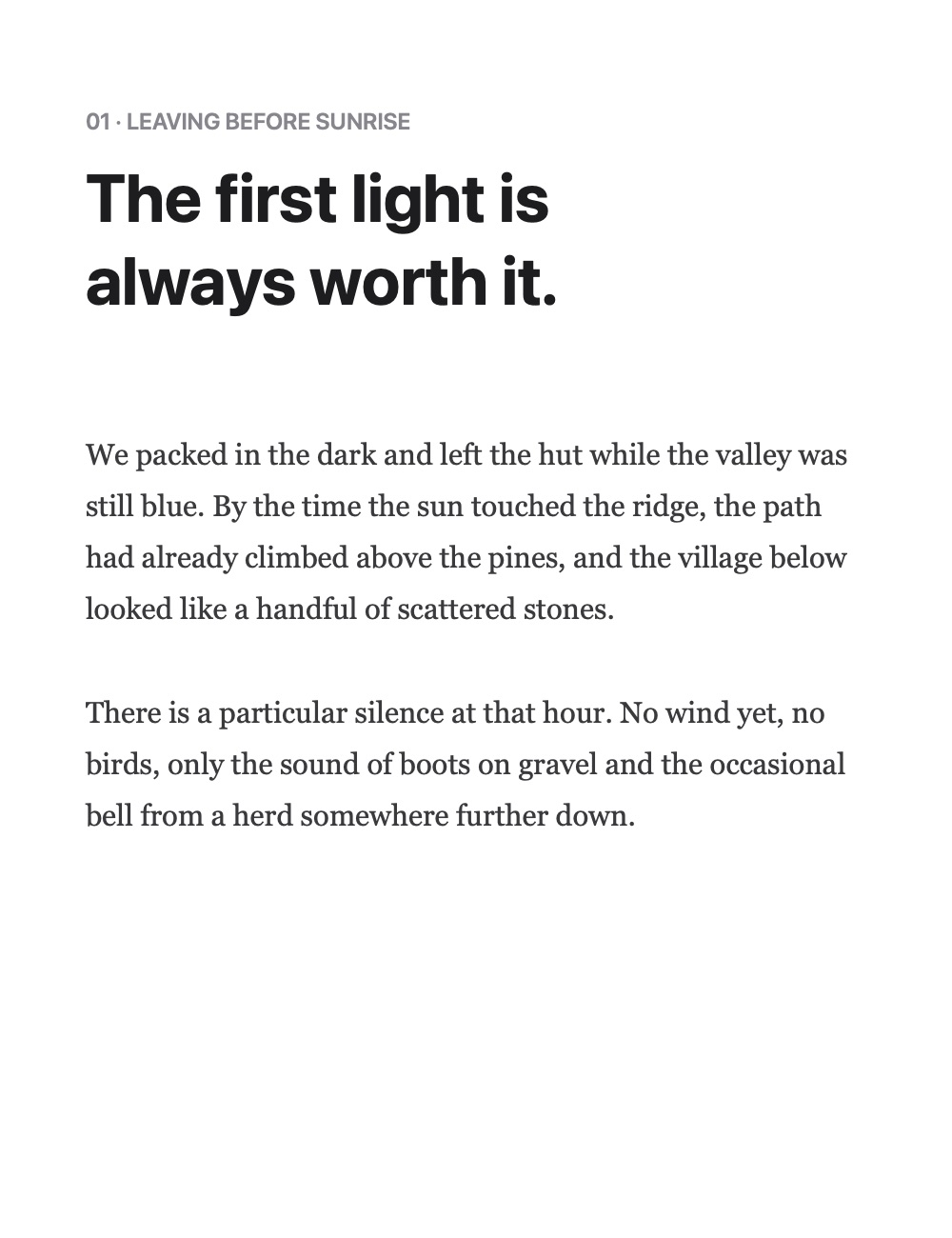
We packed in the dark and left the hut while the valley was still blue. The first light is always worth it. By the time the sun touched the ridge, the path had already climbed above the pines, and the village below looked like a handful of stones.
My Words
“The first light is always worth it.”
Field Notes · Page 3
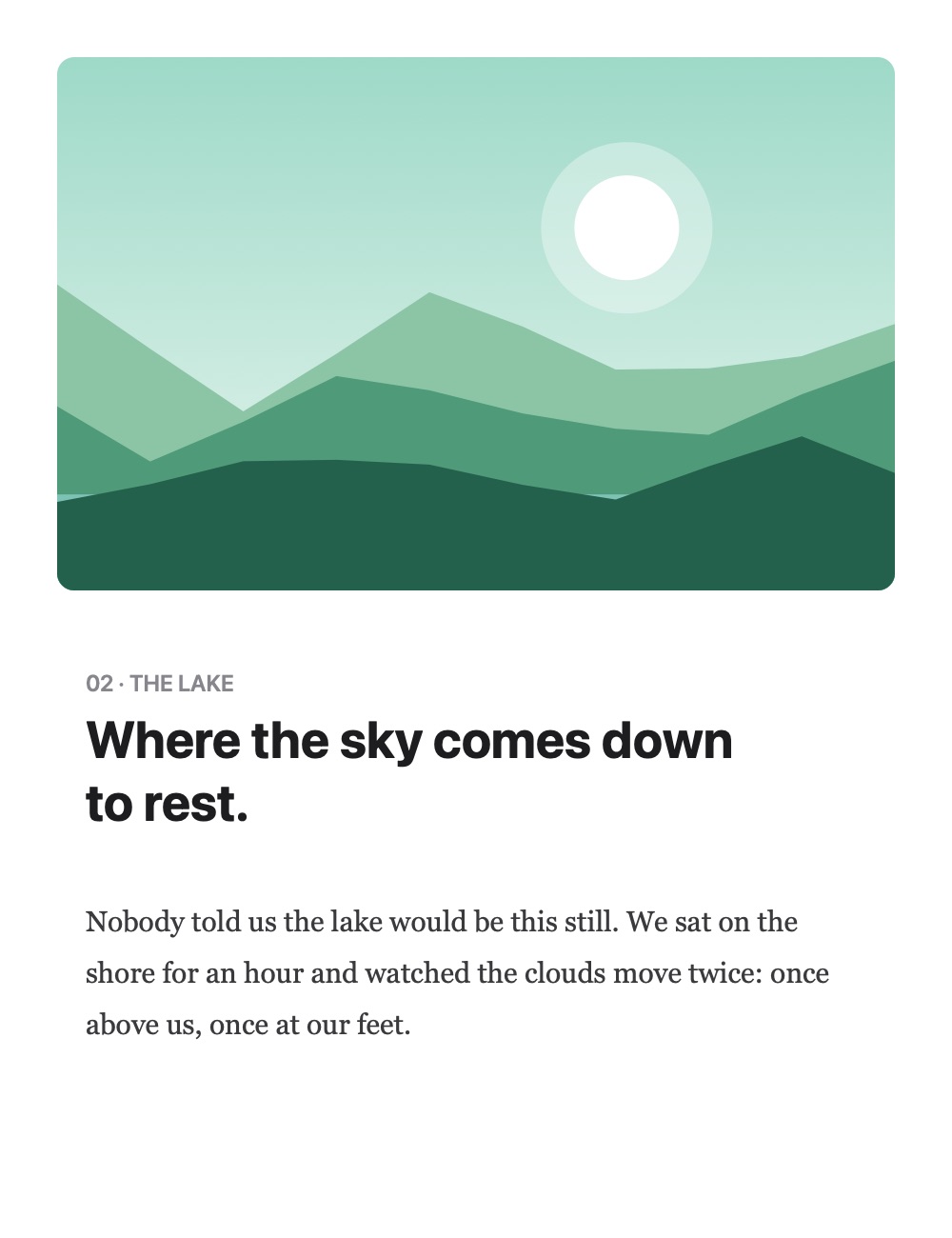
“We sat on the shore for an hour and watched the clouds move twice.”
Field Notes · Page 5
“The mountains don’t care how fast you climb.”
Field Notes · Page 6
My Words
Keep the words that matter.
Pick one of four highlighter colors and sweep across a sentence. It’s saved instantly to My Words, where you can search your quotes, filter them by color, and jump back to the exact page in one click.
Your library
Pick up exactly where you left off.
Every book you open lands in History with its cover and your progress. Star your favorites, bookmark pages, and sort everything into collections that make sense to you.

Today
Field Notes
Page 6 of 10
Annual Report
Page 4 of 18

Quotes
Page 9 of 10
Small details, everywhere.
Bookmarks
Mark the pages you’ll come back to.
Press ⌘D to bookmark the page you’re reading. A small ribbon appears on its thumbnail, and every bookmark is one click away in the sidebar.

Favorites
Your favorite books, always at hand.
Star the books you open the most. They stay together in Favorites, ready whenever you are.
Field Notes
Annual Report
Quotes
Collections
Organize books your way.
Create collections for work, school, travel or anything else, and group your books into your own folders.
Collections
Page thumbnails
See every page at a glance.
A column of thumbnails sits next to the book. Click any page to jump straight to it.
Your shortcuts
Keyboard shortcuts that fit your habits.
Turn pages, bookmark, highlight or go full screen from the keyboard. Every shortcut can be changed in Settings.
Keyboard Shortcuts
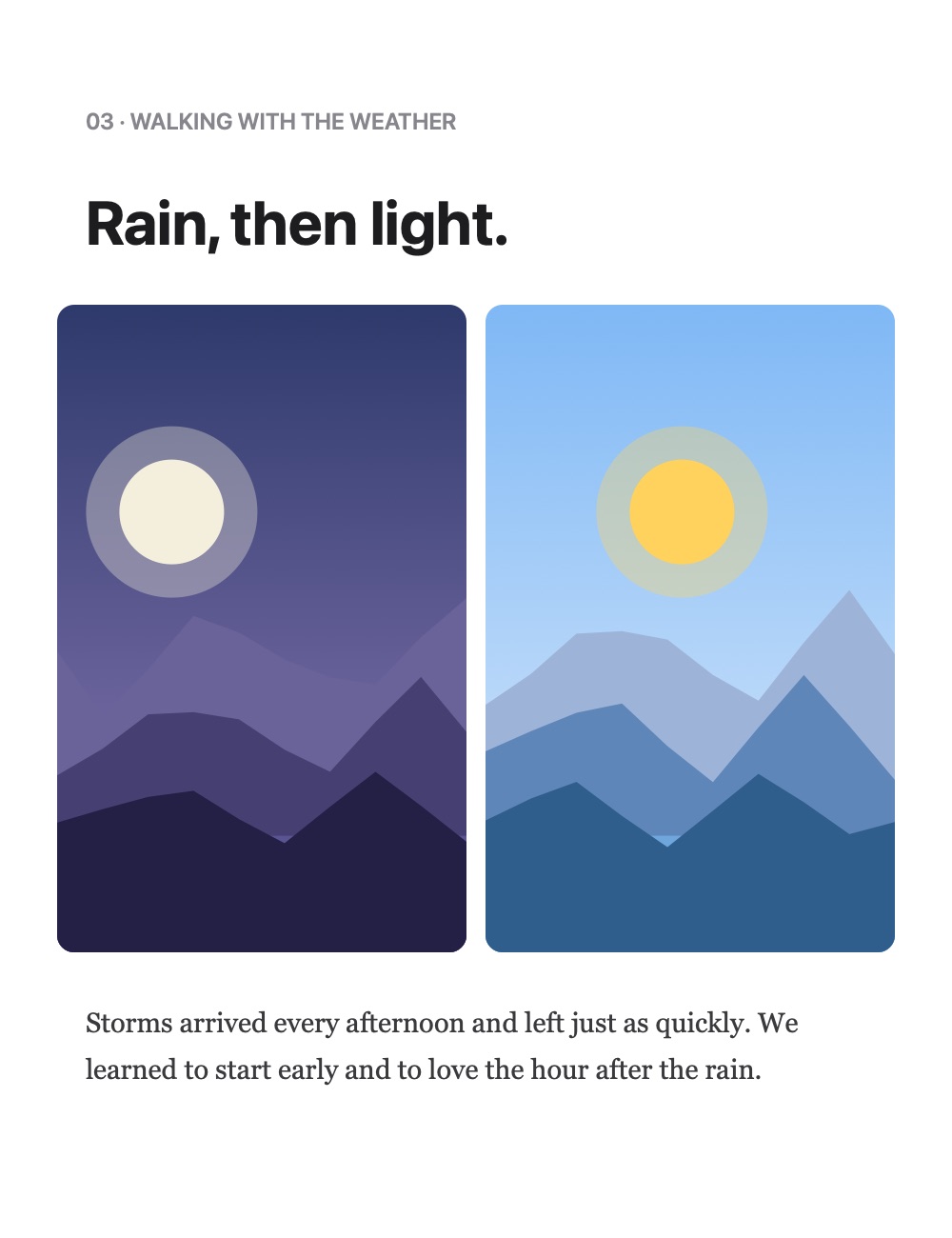
Light and dark
Beautiful in light and dark.
FlipingBook follows the appearance of your Mac, or you can choose the light or dark theme yourself.
Full screen reading
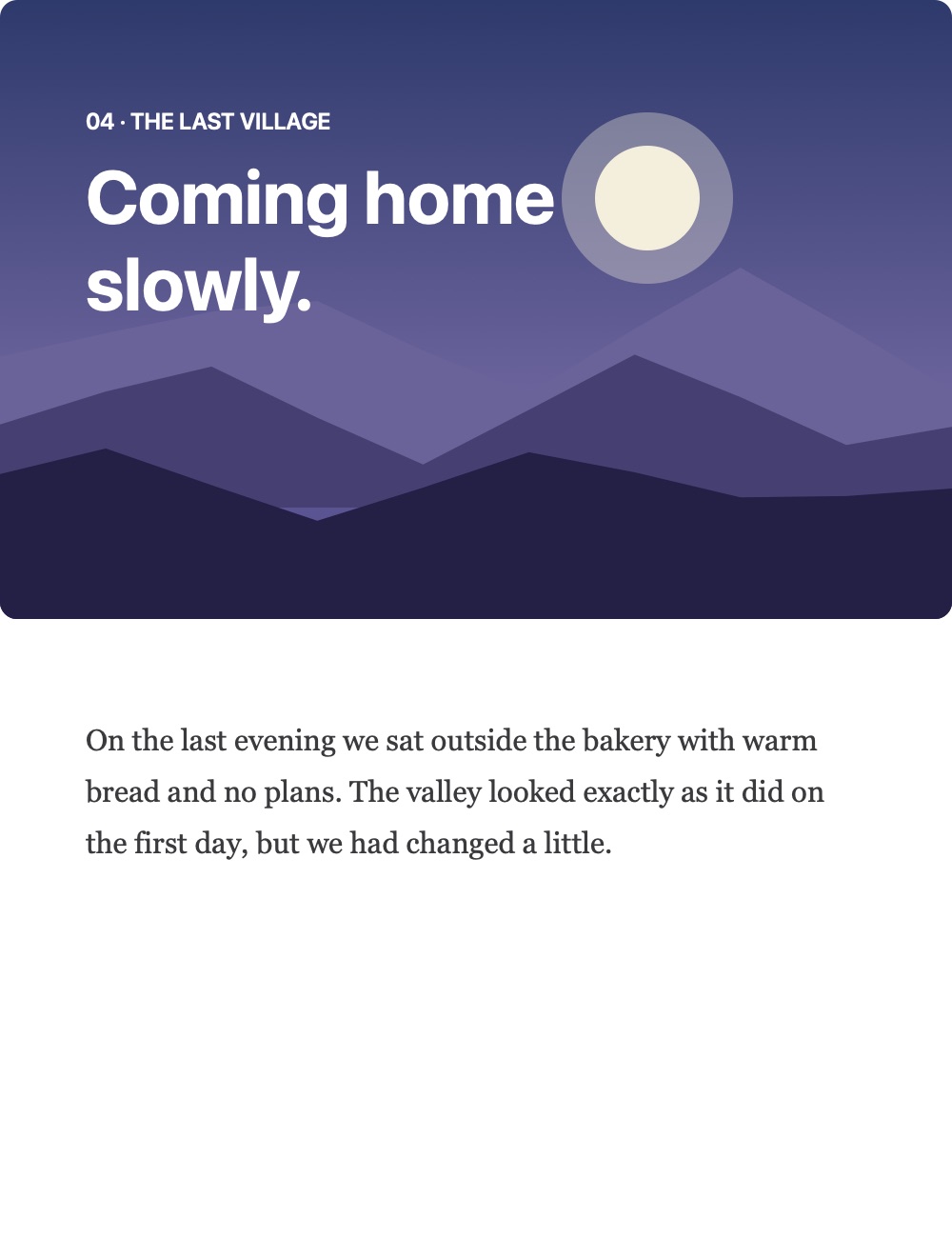
Just you and the book.
Go full screen and everything else disappears. No windows, no toolbars, only the pages.
Resume reading
Right where you stopped.
Close a book and open it next week: FlipingBook brings you back to the exact page you were reading.
Field Notes
Page 6 of 10 · Yesterday
Your documents never leave your Mac.
- Books are created and stored locally
- No account, no cloud upload
- Highlights and history stay on your Mac
FlipingBook only connects to the internet to check your license key. Your files, your quotes and your reading history are never sent anywhere.
Platforms
Mac, Windows and Ubuntu.
FlipingBook is available on macOS today. Windows and Ubuntu are coming soon.

macOS
macOS 14 Sonoma or later
Windows
Windows 10 and 11
Ubuntu
Ubuntu Linux
Pricing
Simple pricing.
Pay once. Every feature included.
FlipingBook for Mac
$59One-time payment
Reading
- Realistic animated page turns
- Page thumbnails sidebar
- Go to any page instantly
- Full screen reading
- Resume where you left off
Your files
- PDF, Word and Excel files
- Images: JPG, PNG, HEIC and more
- RTF, text and HTML documents
- Combine several files into one book
- Open PDFs straight from Finder
Highlights and library
- My Words: highlight in 4 colors
- Search and filter your highlights
- Bookmarks and favorites
- Collections for your books
- History with covers and progress
Made for you
- Custom keyboard shortcuts
- Light and dark themes
- Your files stay on your Mac
- No subscription, no account
- License key delivered instantly by email
Questions & answers
How do I activate FlipingBook?+
After your purchase you receive a license key by email. Open FlipingBook, paste the key and click Activate. That’s it.
Which files can I open?+
PDF documents, Word files (DOCX, DOC), Excel spreadsheets (XLSX, CSV), images (JPG, PNG, HEIC, TIFF, GIF, WebP), RTF, text and HTML files. You can also combine several files into one book.
Can I move my license to another Mac?+
Yes. Open Settings › License and click “Deactivate This Mac”, then activate the same key on your new Mac.
Are my documents uploaded anywhere?+
No. Your books, highlights and history stay on your Mac. FlipingBook only connects to the internet to check your license.
What are the system requirements?+
Requires macOS 14 Sonoma or later, on a Mac with Apple silicon (M1 or later).
When will Windows and Ubuntu be available?+
They are in development. Click “Notify me” in the Platforms section, or write to support@flipingbook.app, and we’ll let you know.